Back to Tutorials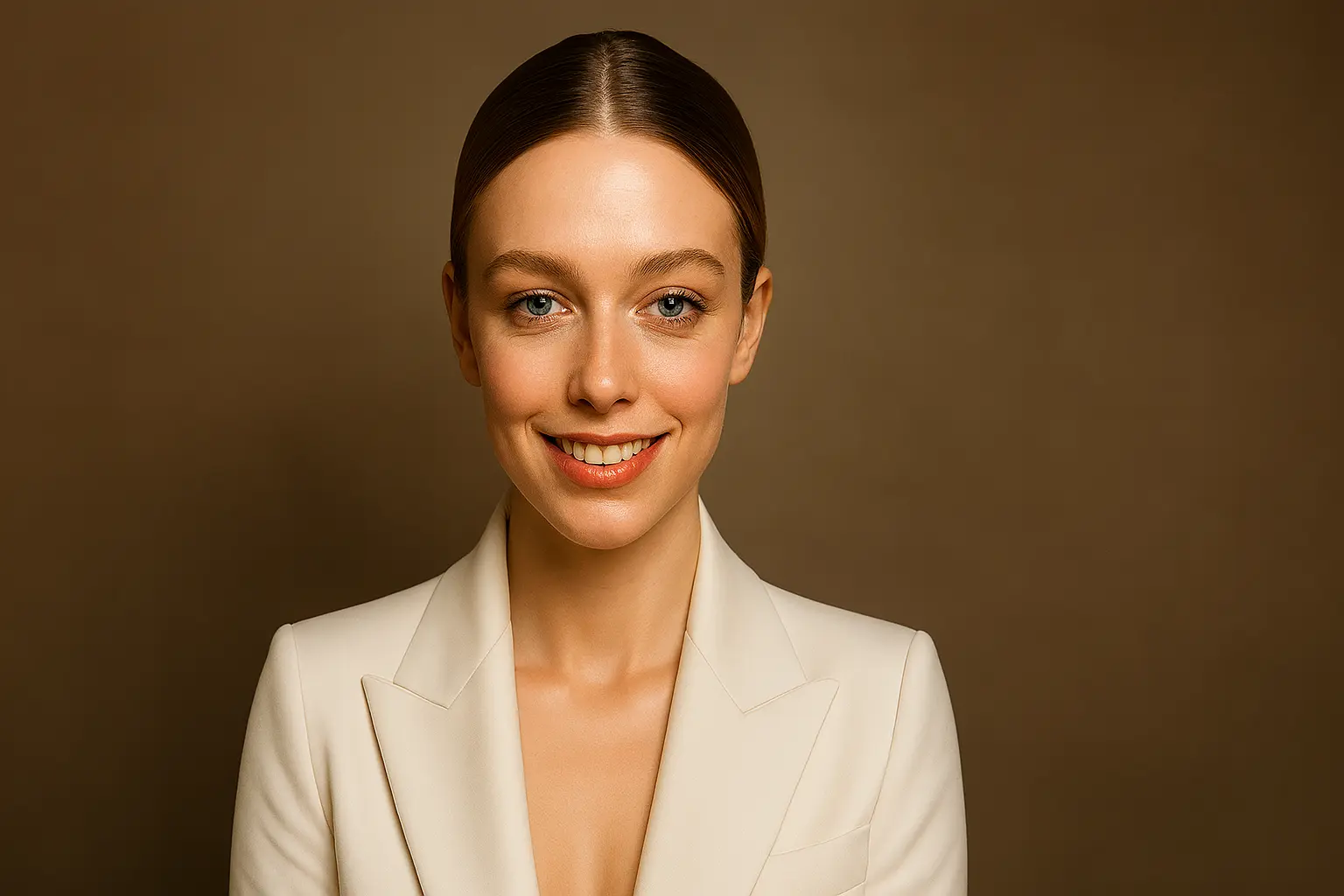
Tutorial
How to Generate a Luxurious 4K Official Portrait in a White Suit
Create an elegant official portrait with luxurious vibes and 4K detail.
12 min read
TokPrompt Team
Guide
Step-by-Step Breakdown
1. Start with Formal Attire
"An official portrait of me in a white suit" establishes a formal, elegant aesthetic perfect for professional profiles and special occasions.
2. Focus on Appearance
"Sharp features, with makeup still in touch with a 360 HD frontal hair" ensures your features are well-defined and your hair looks its best.
3. Set the Quality Bar
"Luxurious vibes with high detailed 4K resolution" guarantees a premium, professional finish.
Variation Examples
| Variation | Effect |
|---|---|
| + "black suit" | More classic, formal aesthetic |
| + "navy blue suit" | Modern professional style |
| + "marble background" | Adds luxury texture |
Tips & Best Practices
- Lighting: Soft, even studio lighting works best for white suits
- Background: Neutral backgrounds keep focus on the subject
- Posture: Confident, upright posture enhances the formal look
Conclusion
This prompt creates a luxurious, professional portrait perfect for LinkedIn, corporate websites, or special occasions.
Final Prompt
Copy it or open it in the creator