Back to Tutorials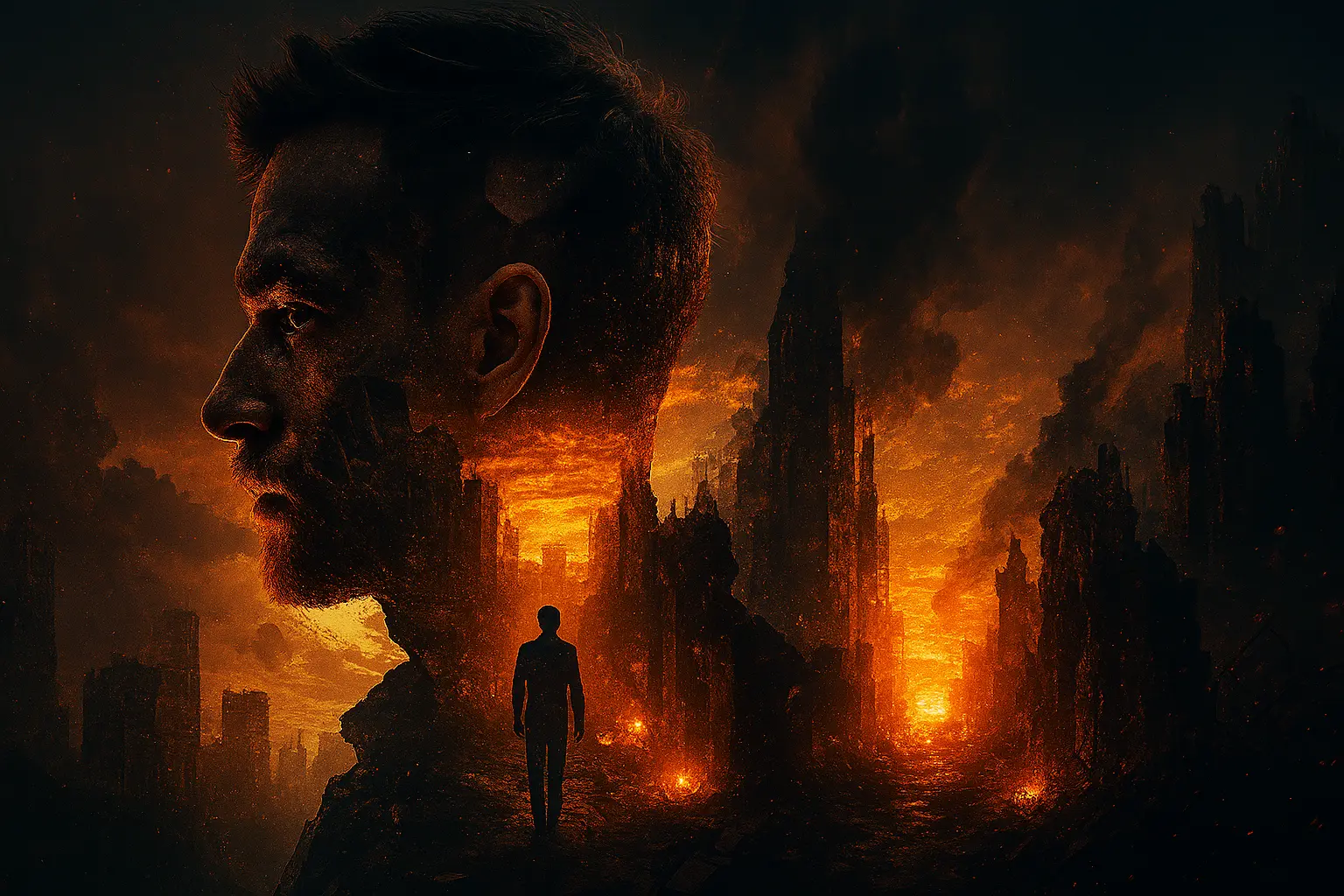
Tutorial
How to Create a Cinematic Double Exposure Post-Apocalyptic Portrait
Master the dramatic double exposure effect with a post-apocalyptic cityscape.
8 min read
TokPrompt Team
Guide
Step-by-Step Breakdown
1. Understand Double Exposure
"Cinematic double exposure of me in profile" creates a surreal, artistic effect where two images merge into one.
2. Choose Your Scene
"Post apocalyptic cityscape inside his silhouette" fills your profile with a dramatic, detailed scene.
4. Set the Mood
"Moody lighting, warm tones, emotional and introspection mood" creates a powerful emotional connection.
Tips & Best Practices
- Profile Shot: Use a clear profile photo for best double exposure results
- Contrast: High contrast between subject and background works best
- Storytelling: Choose a scene that reflects the emotion you want to convey
Conclusion
Double exposure creates stunning, artistic portraits that tell a story within a single image.
Final Prompt
Copy it or open it in the creator